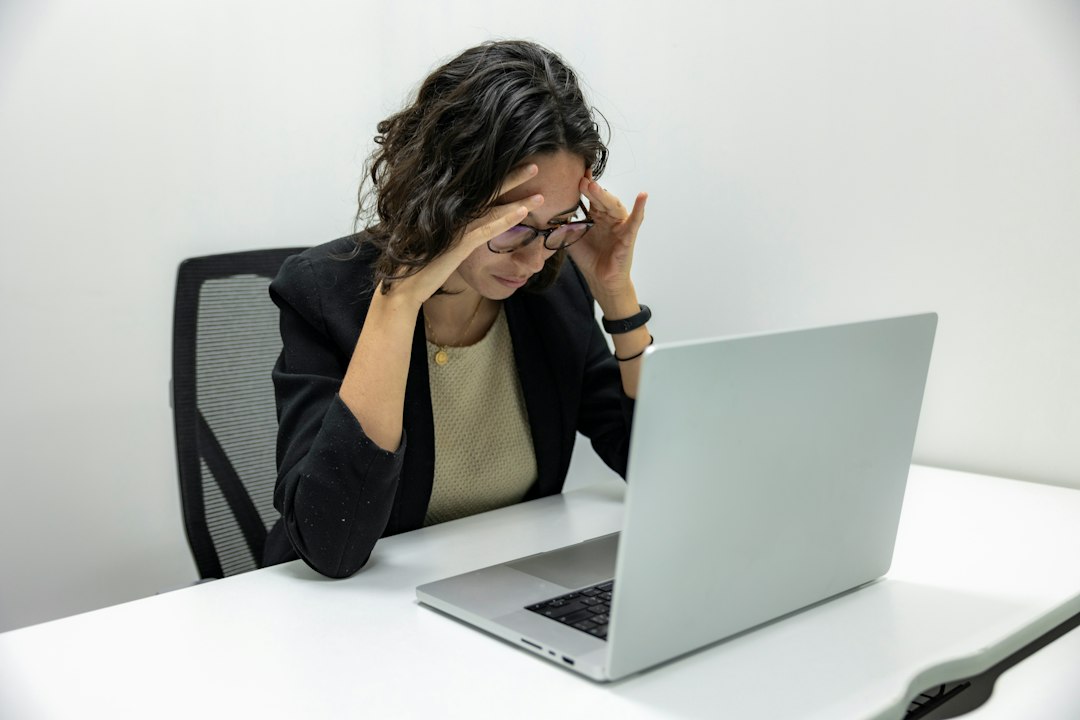
Every year, somewhere between the last slice of pumpkin pie and the first Cyber Monday email, I get the same text from a client. This year it came from a woman I coach on Tuesday mornings, a sharp, disciplined project manager who can hold a plank longer than most college athletes I know. “My eyes feel like they’ve been rolled in sand,” she wrote. “Is that a thing?” It is very much a thing, and the week ahead of us is when it peaks.
Think about the shape of the next twelve days. Year-end deadlines are piling up at work. Black Friday lands on November 27 and Cyber Monday on November 30, and the deal hunting started weeks ago. Add tracking numbers, recipe tabs, group chats about who is bringing the rolls, and a streaming marathon on the couch Thanksgiving night. Most of us will spend more waking hours staring at a screen this week than at any other point in the year. My team and I went through the research and our own client notes and pulled it into one plan. Treat it like a training block for your eyes: nothing heroic, just a few habits and a handful of tools that help when the cart is full and the deadline is tomorrow.

Why Your Eyes Burn After a Long Screen Day
Here is the part most people never hear. Screens are not damaging your eyes. The American Academy of Ophthalmology is clear that light from a computer has never been shown to cause eye disease. What screens do is change how you use your eyes, and over hours that adds up to the gritty, tired, headachy feeling called digital eye strain, or computer vision syndrome if you like the official name.
Three things drive it. First, blinking. A relaxed person blinks about fifteen times a minute. Locked onto a screen, that number drops to roughly five to seven, and many of those blinks are incomplete, where the lid never fully closes. Every skipped blink is a missed coat of tears on the surface of your eye, so the surface dries, then burns, then sometimes waters, which confuses people. Second, focusing. Holding a near target for hours keeps the small focusing muscles inside your eye working like a bicep holding a half curl. Third, the environment. Furnace air in late November is dry, glare bounces off glass screens, and a dim room with one bright rectangle in it forces your eyes to keep adjusting.
The good news is that digital eye strain is temporary. Symptoms usually fade once you step away. That means the fix is not a miracle product. It is a routine that interrupts the three drivers before they stack up. The rest of this plan works through them one at a time.
The 20-20-20 Rule, Rebuilt So You Actually Do It
You have probably heard the rule: every 20 minutes, look at something at least 20 feet away for at least 20 seconds. It works because it releases that half-curl in your focusing muscles and usually triggers a few full blinks. The problem is that nobody does it. Twenty minutes disappears into one spreadsheet or one comparison of two air fryers, and suddenly it is three hours later.
My clients do better when the cue lives outside the screen. A notification on the same laptop you are staring at is easy to swipe away. A physical timer on the desk is not. I like the Time Timer MOD because the shrinking colored disk shows time passing without a ticking sound or a screen of its own. Set it for twenty minutes, and when the color runs out, look up. Then reset it. It sounds almost too simple, but the clients who put a timer on the desk tell me they actually follow the rule, and the ones who rely on willpower admit they forget by lunch.
Make the twenty feet real. Turn your desk so a window is in your side vision, or pick a far target in the room, like a door frame or a picture across the hall. Looking at the wall eighteen inches behind your monitor does not count. While you are looking far, do five slow, full blinks, closing your lids completely and squeezing gently. That is what I call a blink set, and it is the closest thing to a stretch your eyes get all day.

Every second hour, earn a longer break. The American Optometric Association suggests about fifteen minutes away from the screen after two hours of continuous work. I pair that with movement, which I will get to below, because your neck and hips are as tired as your eyes by then.
Set the Screen Up Like a Squat Rack
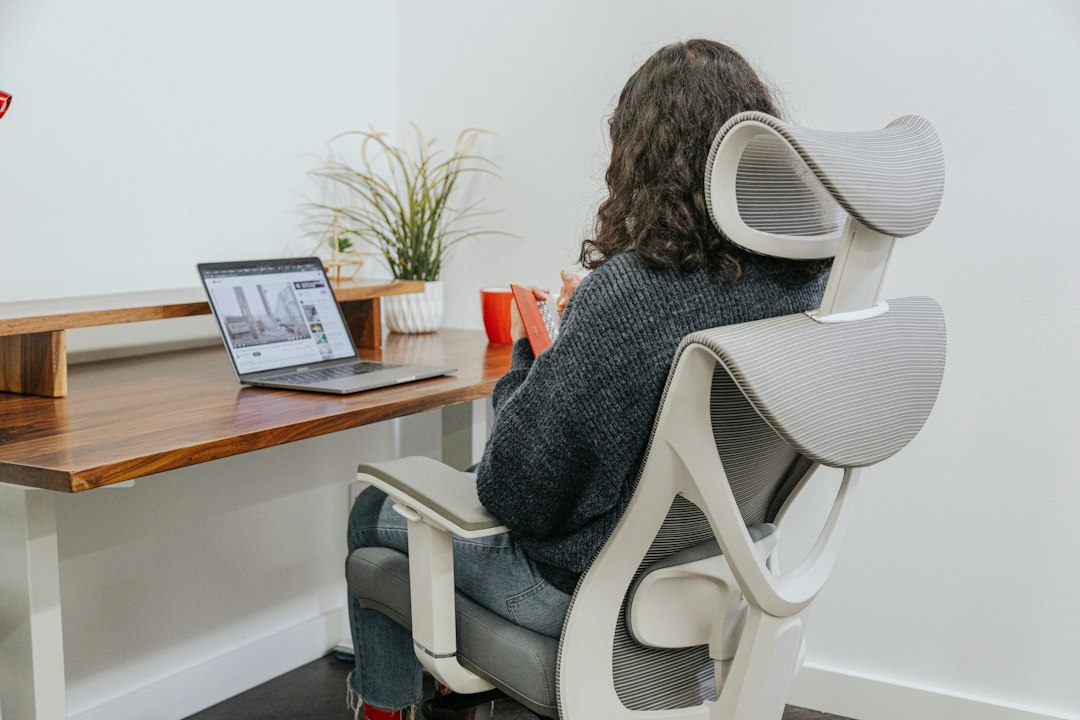
When a client starts squatting with me, the first thing we do is set the rack to their body, not the other way around. Your screen deserves the same treatment. The guideline from the ophthalmologists is simple: sit about 25 inches away, roughly arm’s length, with the screen just below eye level so you are gazing slightly downward. That downward gaze matters more than people think. When you look down a little, your upper lid naturally covers more of the eye, so less surface is exposed to dry air. Stare straight ahead or up at a monitor perched too high, and your eyes stay wide open and dry faster.
If you work on a desktop monitor, an arm makes the adjustment painless. The Ergotron LX Monitor Arm clamps to the back of the desk and lets you pull the screen to the right distance and tilt it down a few degrees, then push it away again when you need the space for wrapping paper. My team has used one on our shared editing desk for years, and it still holds its position.
Laptops are the bigger problem. The screen and keyboard are joined, so if the keyboard is at a comfortable height, the screen is too low and your neck curls forward. If you raise the laptop on a stand, you need a separate keyboard. I run a Rain Design mStand with a Logitech K380 Keyboard when I work from my kitchen table, and it turns a hunched couch posture into something I would not be embarrassed to coach. If your neck already aches by evening, that tightness tends to follow you to bed, and my guide on fitting a side-sleeper pillow to a sore neck covers the overnight half of that problem.
Two more quick settings. Bump up your text size until you can read comfortably at arm’s length, because leaning in to read small type undoes the whole setup. And turn the screen brightness down until it roughly matches the room around it. A screen glowing like a lantern in a dim room is a glare source, not a feature. If you are shopping for a new monitor this month, my colleague on the tech side wrote a smart breakdown of what Black Friday monitors under $300 hide in the spec sheet, and it is worth reading before you add one to your cart.
Light the Desk, Not Your Eyeballs
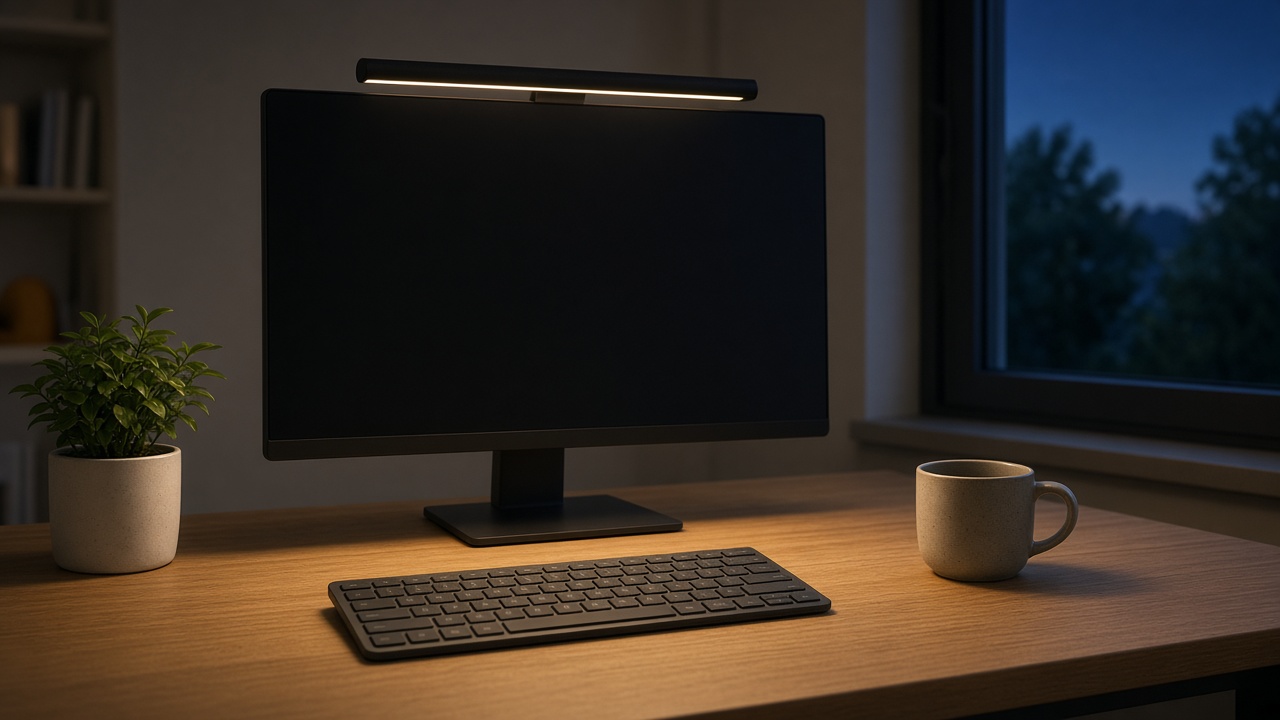
Lighting is where I see the most self-inflicted strain. The classic setup is a laptop in a dark room at night, with a single overhead fixture behind you bouncing off the screen. Your pupils are trying to adjust to a bright rectangle and a dark room at the same time, and the reflection on the glass adds glare on top.
The goal is even, soft light on the desk and the area around the screen, with nothing shining directly into your eyes or onto the glass. A monitor light bar does this neatly. It sits on top of the screen and throws light down onto the desk in front of you without reflecting back off the display. The BenQ ScreenBar Halo is the one I recommend to clients who spend all day at a monitor; it has a gentle backlight that softens the contrast between the screen and the wall behind it, and a wireless dial so you are not reaching up to adjust it. If that is more than you want to spend, the Quntis Monitor Light Bar covers the basics, down-facing light with adjustable warmth, at a fraction of the price.
Daylight helps too. Position the desk so a window is beside you rather than directly behind or in front of the screen. Behind the screen, the window is a bright glare source you stare into; behind you, it reflects off the glass. Side light is the sweet spot. And in the dark late-November mornings, a burst of bright light early in the day helps your energy and sleep rhythm, which is a separate topic I covered in my piece on the light box I plug in before the clocks fall.
Drops That Help and Drops I Leave on the Shelf
When your eyes feel dry, the ophthalmologists’ advice is to use artificial tears, and I agree, with one important filter. Choose lubricating drops, not redness relievers. The “gets the red out” bottles work by shrinking blood vessels on the surface of the eye. They make you look rested for a few hours, they do nothing for dryness, and with frequent use the redness can come back worse once they wear off. I tell clients to leave them on the store shelf.
For a heavy screen week, preservative-free drops are my default, especially if you will use them more than four times a day, because preservatives in multi-use bottles can irritate the eye with frequent dosing. A few options I like:
- Systane Complete PF for a lubricant that feels a little richer, which many of my clients prefer by midafternoon.
- Refresh Relieva PF if you want a preservative-free formula in a multidose bottle instead of fiddly single-use vials.
- TheraTears Lubricant Eye Drops in single-use vials, which are easy to slip into a laptop bag or coat pocket for the office.
Use them as a top-up during your longer breaks, not as a substitute for blinking and looking away. If you wear contacts, check that the drops are labeled safe for contact lenses, and consider switching to glasses for your longest screen days; contacts add to dryness, and the academy specifically suggests giving your eyes that break. If you fly for Thanksgiving, dry cabin air makes all of this worse, and my holiday-flight saline routine covers the nose and eyes together.
Fix the Air Around Your Eyes
Here is something my clients are surprised to hear. A lot of what they blame on the screen is really the room. Once the furnace kicks on, indoor humidity can fall into the twenties, and the tear film on your eyes evaporates faster in dry air. A desk fan, a heating vent pointed at your chair, or a car heater blasting on the drive to the in-laws all make it worse.
Start with the cheap fixes: point vents and fans away from your face and move your chair out of the path of a heating register. Then think about adding moisture. A humidifier that keeps the room around 40 to 50 percent humidity is one of the simplest comfort upgrades for winter eyes. The Levoit Dual 200S Humidifier is a compact top-fill model that fits on a desk corner or a dresser, and it is quiet enough for a home office. Clean it on the schedule in the manual, because a neglected humidifier is not a health device anymore. I went much deeper on humidity targets and cleaning in my bedroom-air fix for furnace season.

Hydration counts as well. I am not going to claim a glass of water cures dry eyes, but people who are already dehydrated from coffee, salty holiday food and a day of travel tend to feel everything more, eyes included. Keep a bottle on the desk, and refill it every time your timer sends you on a long break.
The Evening Reset: Warmth and Clean Lenses
At the end of a long screen day, I want my eyes to finish like my legs do after a hard track session: with a cooldown. My favorite is a warm compress. Gentle heat over closed lids for about ten minutes relaxes the area and helps the tiny oil glands along the lid margins release the oil that keeps tears from evaporating. A washcloth under hot water cools in about a minute, so I use the Bruder Moist Heat Eye Compress, which warms in the microwave and holds steady, moist heat for the whole session. Check the temperature on your wrist first; warm, never hot. I do it on the couch with my phone in another room, which is a small win for my sleep as well.
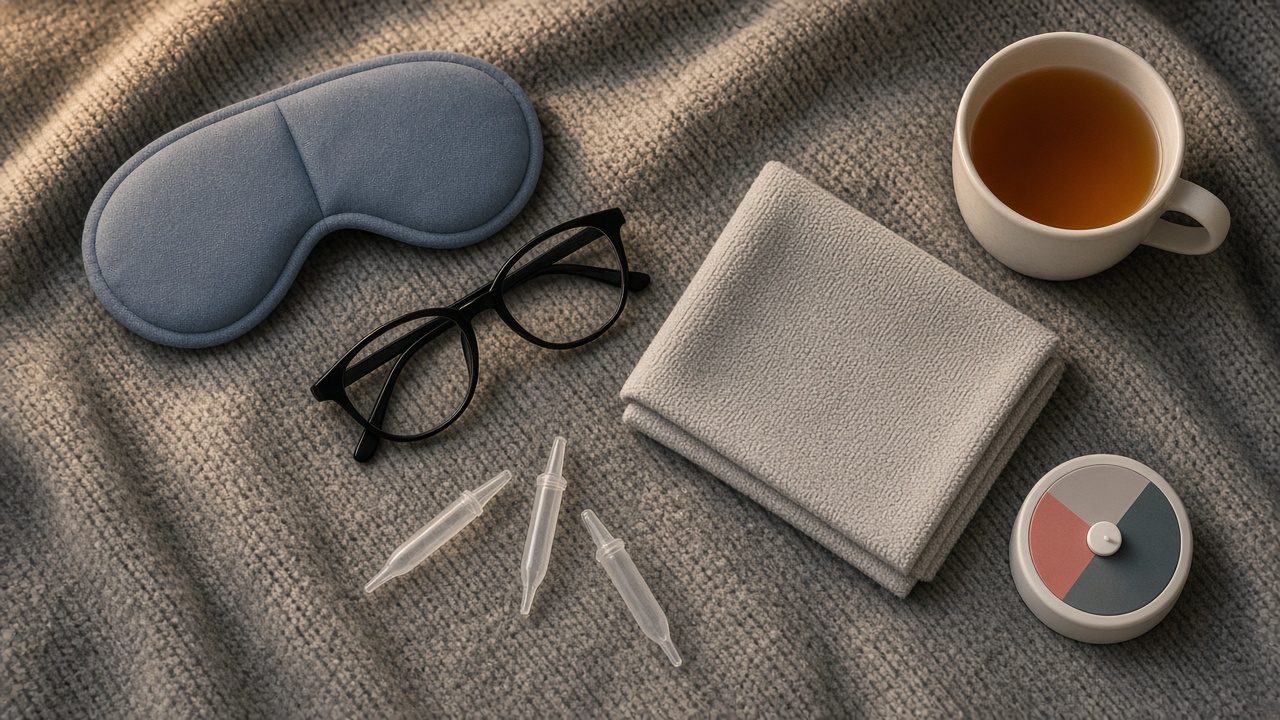
While you are winding down, clean your glasses. It sounds trivial, but a week of fingerprints and kitchen steam leaves a haze on lenses that scatters light and makes you squint at the screen the next morning. I keep a box of Zeiss Lens Cleaning Wipes on my desk and one in the car. Skip the shirt hem; it just moves the grease around.
The Blue-Light Glasses Question
I get asked about blue-light glasses more than almost anything else on this topic, so here is my honest answer. The American Academy of Ophthalmology does not recommend blue-light-blocking glasses for computer use. Several studies have found that they do not improve the symptoms of digital eye strain, and the small amount of blue light from screens has not been shown to harm your eyes. The discomfort comes from how we use screens, not from the light coming off them.
So should you buy a pair of Gunnar Blue Light Glasses? If you already own a pair and like them, wear them; some people like the slight tint or the habit of putting them on to start work. But I would not spend money on them expecting your eyes to stop burning. A better investment for many people over forty is an eye exam that asks about computer glasses, which are prescription lenses set for intermediate distance, roughly 20 to 26 inches. Those are a different thing from blue-blocking lenses, and for people whose reading glasses force them to lean in, they can make a real difference. Uncorrected vision, even a small amount of astigmatism, is a common hidden driver of screen headaches.
Move the Body, Rest the Eyes
I am a coach, so you knew this part was coming. The two-hour break is not just for your eyes. Your hips have been flexed, your shoulders have crept up toward your ears, and your upper back has been rounding forward over the keyboard. A short movement break fixes the posture and gives your eyes real distance to look at, especially if you take it near a window or outside.
Here is the five-minute circuit I give clients for screen-heavy weeks:
- Thirty seconds of overhead reaches. Stand, interlace your fingers, and press your palms toward the ceiling while you look at the farthest point in the room.
- Fifteen band pull-aparts. Hold a light band at shoulder height and pull it apart until it touches your chest. A set of TheraBand Resistance Bands lives in my desk drawer for exactly this.
- Ten chin tucks. Glide your head straight back, as if making a double chin, and hold two seconds. This is the antidote to screen neck.
- Ten bodyweight squats or a lap of the stairs. Wake up the legs and get blood moving after a long sit.
- A blink set at the window. Five slow, full blinks while looking at the farthest thing you can see.

If you can, take one of those breaks outside. A walk around the block in daylight gives your eyes the most varied distances they will see all day, and the fresh air is a welcome break from the furnace. On Black Friday itself, I tell clients to make the walk the first thing on the schedule, before the browser opens. The deals will still be there in thirty minutes.
If Someone on Your List Lives at a Desk
A few of these tools make thoughtful gifts for the person who answers emails at 10 p.m. A monitor light bar, a moist heat compress, or a desk timer will get used every single day, which is more than I can say for most gadgets I have unwrapped. If your family is coordinating presents this year, putting ideas like these on a shared gift list on gifts.omnux.com lets everyone claim items privately, so nobody doubles up and the surprise stays intact. Just skip the redness-relief drops as a stocking stuffer; you know my opinion on those by now.
When Tired Eyes Need an Eye Doctor
Digital eye strain should ease when you step away from the screen. If it does not, or if something feels different, get it checked. Make an appointment with an optometrist or ophthalmologist if you notice blurry vision that does not clear with blinking or rest, frequent headaches tied to reading, or dryness that keeps going even on days off. Seek care promptly for eye pain, sudden changes in vision, new floaters or flashes of light, light sensitivity, or a red eye with discharge. Those are not screen problems, and no desk gadget will fix them.
And if you have not had an eye exam in a couple of years, put one on the calendar for January. Prescriptions drift, especially after forty, and a small uncorrected change can make every hour at the screen harder than it needs to be.
The Whole Screen-Week Kit in One List
Here is everything from this plan in one place, so you can check what you already own before the sales get loud:
- Break cue: Time Timer MOD on the desk for the 20-20-20 rule.
- Screen height: Ergotron LX Monitor Arm for a monitor, or a Rain Design mStand plus a Logitech K380 Keyboard for a laptop.
- Desk lighting: BenQ ScreenBar Halo, or the budget Quntis Monitor Light Bar.
- Lubricating drops: Systane Complete PF, Refresh Relieva PF, or TheraTears Lubricant Eye Drops.
- Room air: Levoit Dual 200S Humidifier to keep humidity around 40 to 50 percent.
- Evening reset: Bruder Moist Heat Eye Compress and Zeiss Lens Cleaning Wipes.
- Movement break: TheraBand Resistance Bands for pull-aparts.
- Optional, not essential: Gunnar Blue Light Glasses, if you simply like wearing them.
You do not need every item on this list. If you only do three things this week, set a timer for the 20-20-20 rule, lower your screen and turn down its brightness, and keep a bottle of preservative-free drops on the desk. Your eyes are working harder than ever this week, so give them the same breaks you would give your legs.